Introduction #
Oqody is a comprehensive software solution designed to streamline business operations through advanced data management and automation features. Its intuitive interface and robust functionality make it an essential tool for organizations seeking to enhance efficiency and accuracy in their workflows.
Step-by-Step Installation #
1. Download the Installation File #
- Visit the official Oqody website at cloud.oqody.com/oqody/.
- Click the “Download” button to save the installer file to your designated downloads folder.
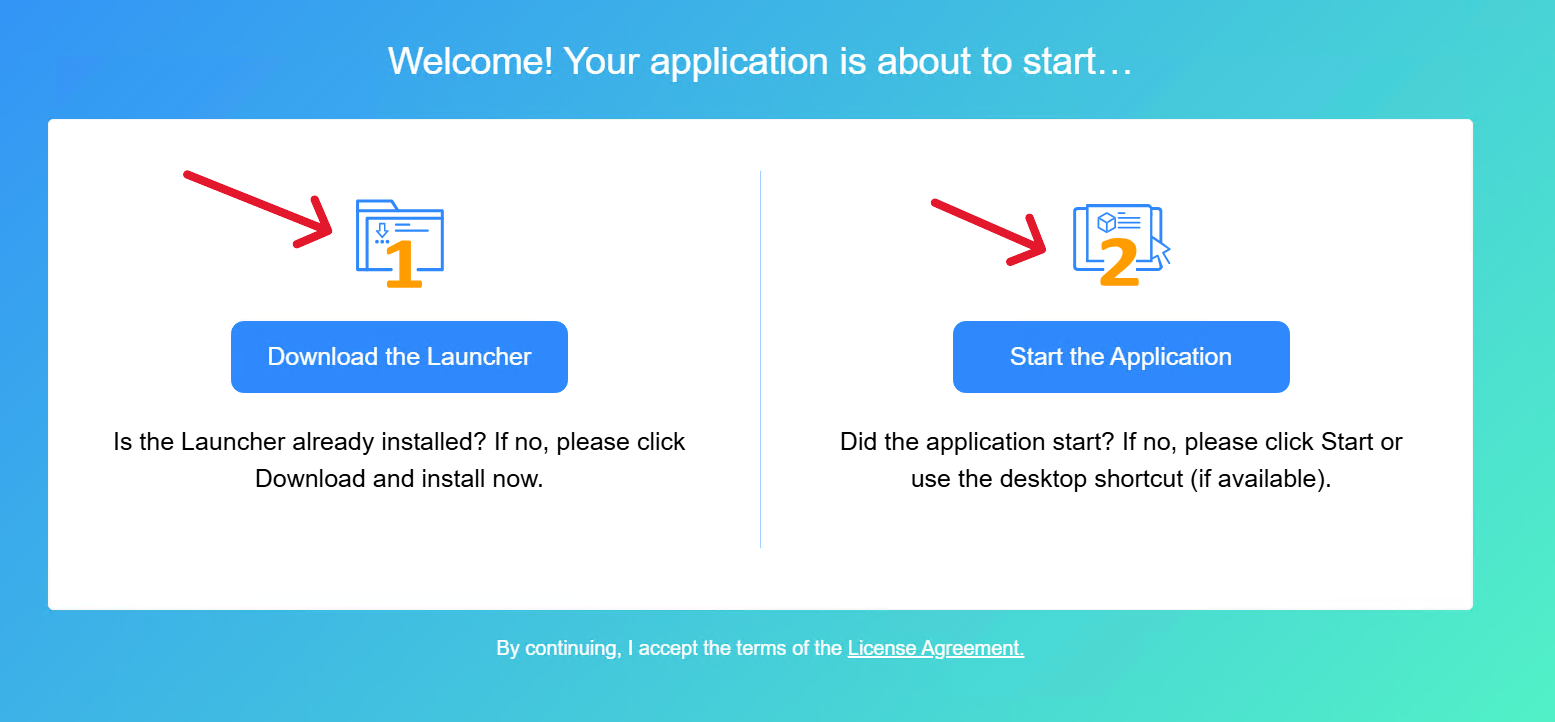
2. Download the launcher #
- Then Start the Application
- Update cloud app files to proceed with the installation.
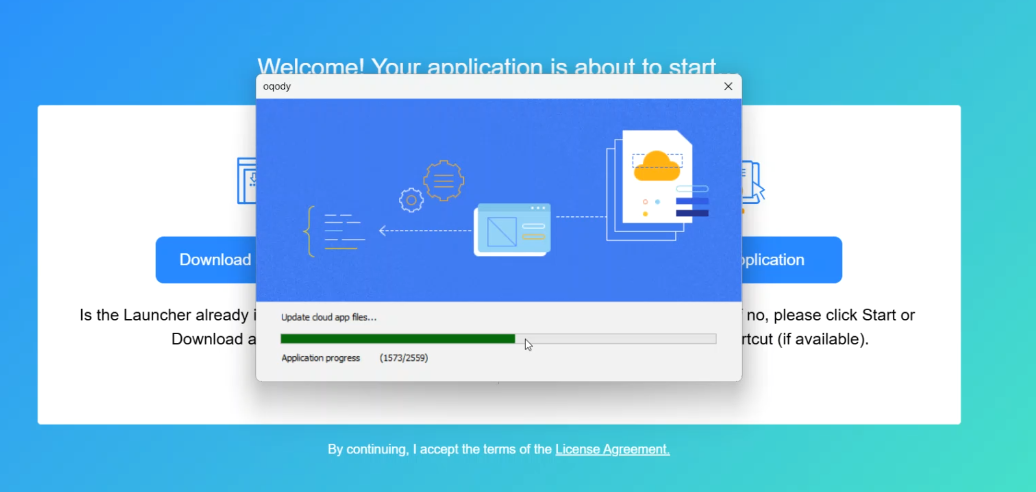
3. Complete Installation and Launch Software #
- Wait for the installation process to finish.
- On Windows, click “Finish” to exit the setup license.
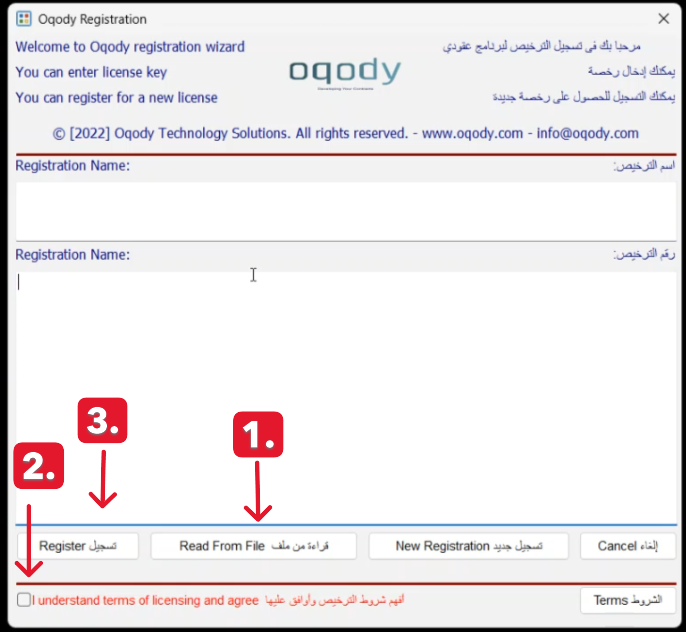
4. Complete license setup #
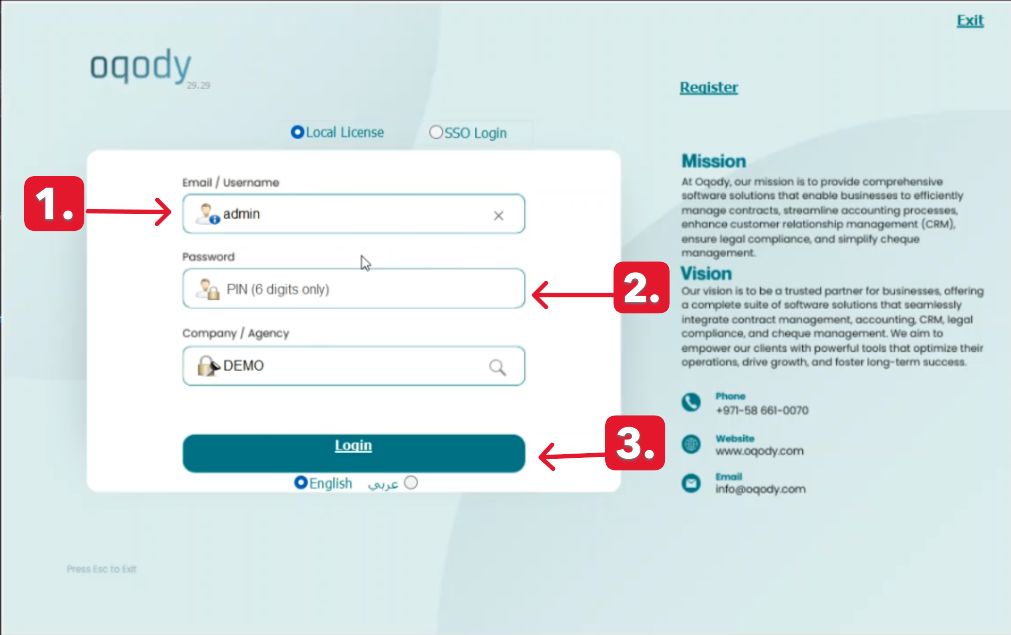
- After complete your license setup.
- enter Email/Username and PIN (6 digits only).
- Choose Company/Agency.
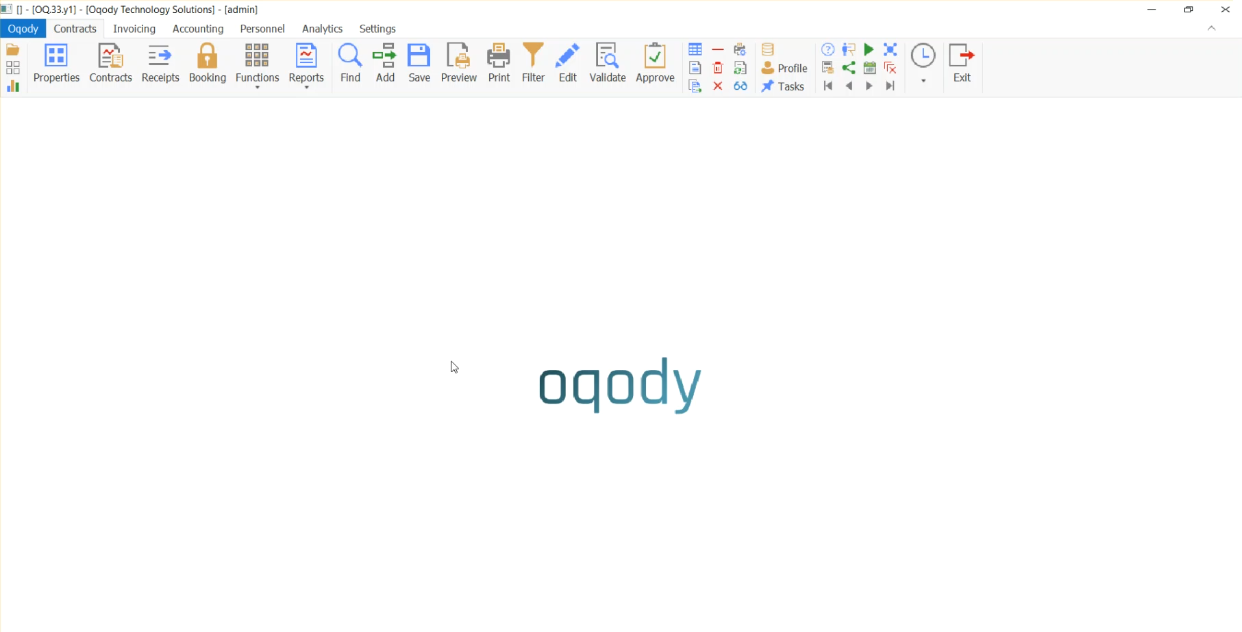
- Choose language – Then Login.
5.TroubleShooting #
- Issue: “Login Failed after Installation”
- Solution: Make sure you are using the credentials provided by your administrator. If you forgot your password, use the “Forgot Password” link on the login screen.
- “Still need help? Contact us at info@oqody.com .


Join The Discussion