You can access your company settings directly from the application’s main homepage.
- Select Settings from the top menu.
- Then select Company Settings from the menu.
- Complete your company settings by filling in the required information.
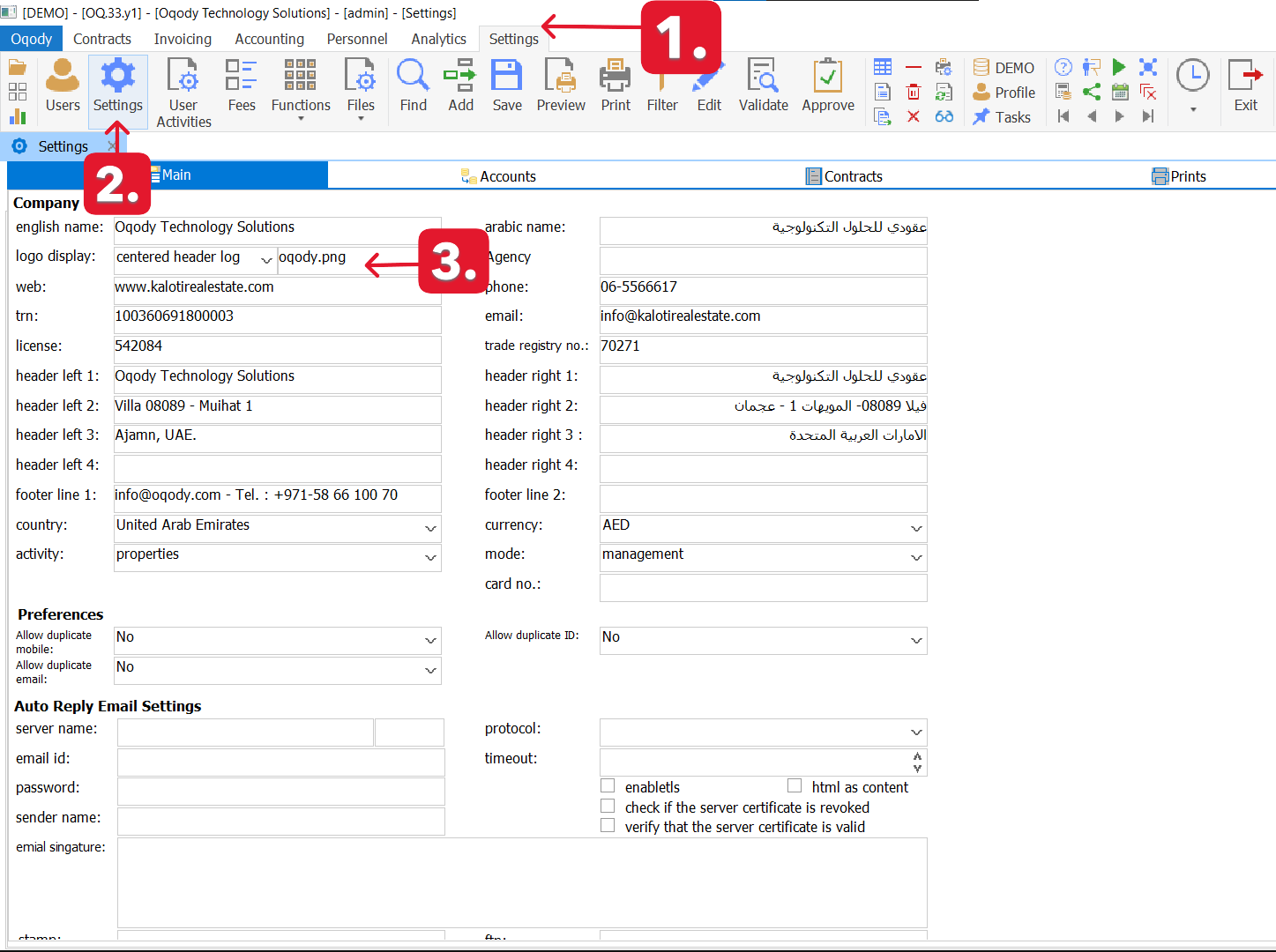
Change Company Logo :
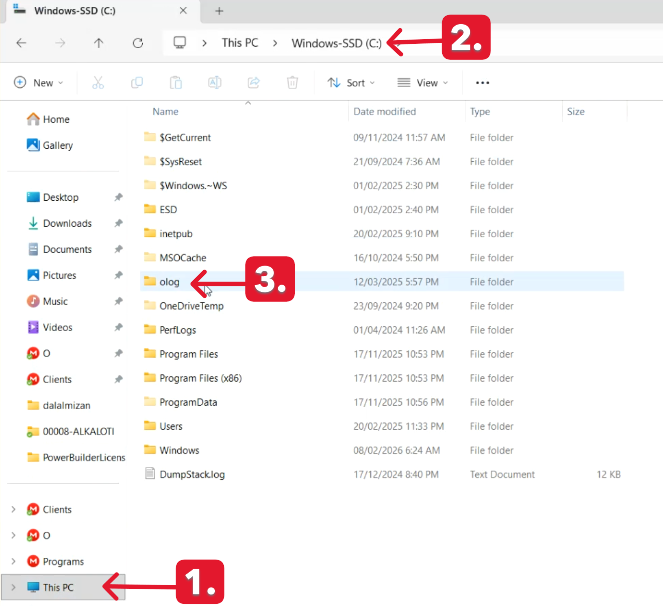
- There is a folder installed with the application called “olog.”
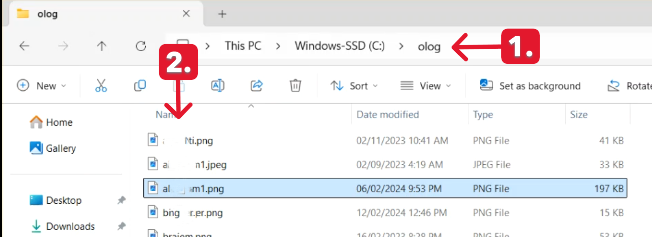
- You should place all the logos you intend to use inside this folder.
- select your logo from “olog.”folder.
Still need help? Contact us at info@oqody.com .


Join The Discussion